WhatsApp outreach
WhatsApp outreach for the people who never check their inbox
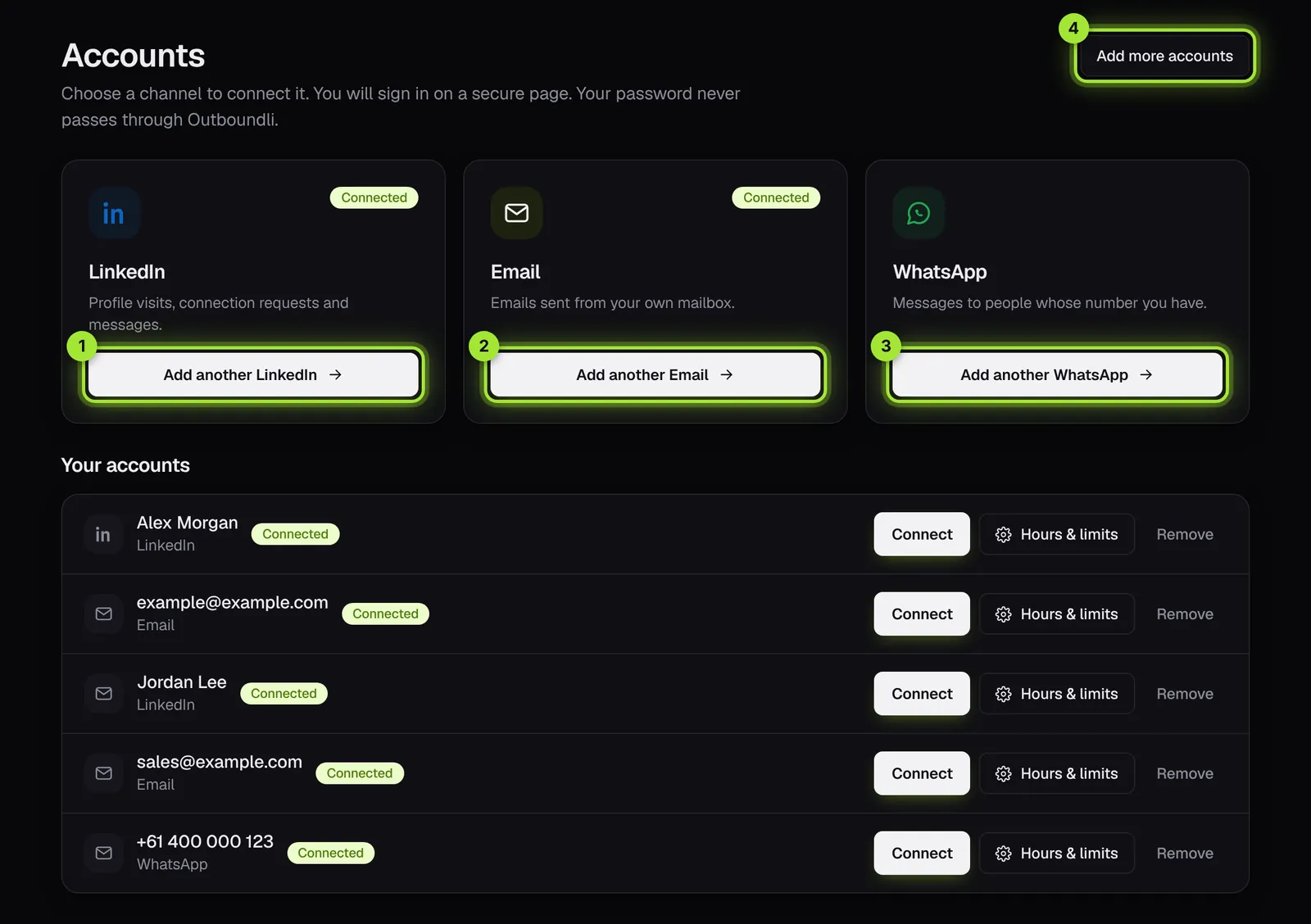
LinkedIn, email and WhatsApp connected on the Accounts page
Your own number
Messages come from your WhatsApp number, so the conversation stays with you.
Careful limits
A new number waits 24 hours, then starts at 5 new chats a day and adds 5 a week, up to 20.
Part of one sequence
Use WhatsApp after a LinkedIn conversation or an email, so it feels natural, not cold.
Win back past clients
Upload your client list and reach people you haven't seen in a while, with a personal message.
One inbox
WhatsApp replies sit next to LinkedIn and email replies, with an AI-drafted answer ready.
Do not contact
Numbers on your do-not-contact list are never messaged, on any channel.
How it works
- 1Link your WhatsApp number on a secure page
- 2Add people with a phone number
- 3Add WhatsApp steps to your sequence
- 4Launch, and reply from one inbox
Set it up yourself in about 10 minutes
Step-by-step guides with pictures of every screen. Prefer a hand? Book a free setup call and we'll do it with you.
Book a free setup callQuestions people ask
Can I message people who don't know me?
Only message people who would reasonably expect to hear from you, such as past clients or people you've spoken to on another channel, and follow the rules where you and they are.
Does it work with WhatsApp Business?
Yes. Link your number on the secure page and it works like WhatsApp Web.
How many messages a day?
Up to 20 new conversations a day per number once warmed up. Your replies are never limited.
Start reaching the right people this week
14 days free with the full product, no card needed. Set it up yourself in about 10 minutes, or book a free call and I'll do it with you.